I-Blast > Blasts management > Bases
Overview
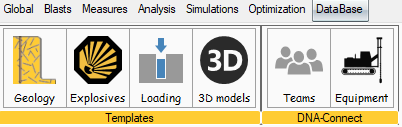
this tab lets you manage the various templates used to design blast plans, such as explosives, geologies and loading models.
Templates
Geology
Allows you to enter site-specific geological models.
See the Geology page
Explosives
Allows you to enter the different explosives that can be used when loading holes.
See the Explosives page
Loading
Allows you to create hole loading models to be used in the various blasts entered in I-Blast.
See the loading page.
3D models
Opens the 3d models management window.
DNA-Connect
Teams
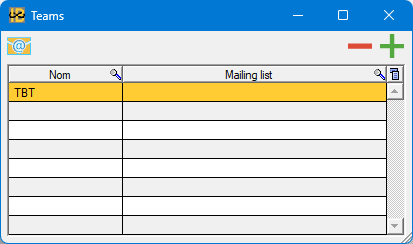
Allows you to manage teams to create mailing lists for various e-mail dispatches from I-Blast (reports, etc.).
Equipment
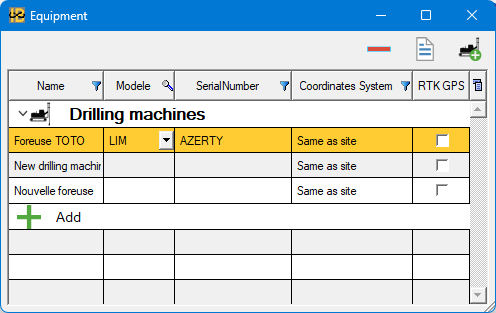
Allows you to create and enter information about the equipment used and supported by DNA-AutoDrill module.
This module automatically imports position and MWD (Measurement While Drilling) data from connected drilling rigs into I-Blast.
This module requires the use of a Client/server database.
For more information, contact support@dna-blast.com.